
Best Website Builder for Bloggers and Developers in New York
Choosing the Right Website Platform
Website platforms usually fall into a few categories, including ecommerce, AI-powered, all-in-ones, self-hosted, and options made for designers or developers. This makes it easier to choose the right bucket for your needs. In this guide to the best website builders in New York, the main deciding factors include how modern and easy a platform is to use, its cost and pricing, learning curve, built-in options, add-ons, scalability, SEO, accessibility, and long-term stability. I also consider whether the platform has the right features for its intended purpose.
When evaluating website builders, I look at research, reputation, and hands-on experience. I have personally used different platforms to build websites, so my opinions are based on both practical experience and careful comparison. Instead of looking for one perfect or best platform, I consider the project, project needs, usability, growth, and the advantages and disadvantages of each option to see which builders work best for different users.
The best choice can also depend on whether you need AI, all-in-one platforms, or self-hosting. Built-in features can make website building easier, while additional features may require add-ons. For online stores, business websites, and ecommerce functionality, I also consider search engine optimization, accessible websites, website development, and platform stability. Each website builder is considered according to its intended purpose, learning curve, experience, and long-term value.

Table of Contents
Squarespace – Best All-In-One Builder for Small Businesses
Squarespace is an all-in-one, easy, and affordable website builder for small businesses. From my experience, I’ve created, edited, and managed 70+ websites on Squarespace over the years, so it is the platform I know inside and out. It works well for almost any industry and combines professional-looking design with solid SEO options and useful built-in features. Businesses can handle invoicing, scheduling, basic email marketing, contact forms, blogging, analytics, domain management, courses, members-only content, and shops under one subscription. Its modern templates and Blueprint AI also make website building easier for beginners, DIYers, designers, and other creatives.
Squarespace offers a good balance between design, usability, and functionality. Its AI-powered Blueprint AI site builder gives users a starting point while keeping creative control, while its template library provides basic structures and innovative designs without requiring coding skills. I especially like the way it keeps many business tools under one roof. The built-in SEO options are also strong enough for most websites when the SEO strategy is implemented correctly. However, it is not perfect for every project. Shopify is a better choice for a high-volume ecommerce shop, Showit, Webflow, or Framer may be better for pixel-perfect control, and WordPress is stronger for developers who need extensive customization.
My Experience
I’ve personally used Squarespace for years and have worked on more than 70 websites. That hands-on experience has made it the platform I’m most familiar with. I’ve seen how it performs from the initial launch through ongoing website management, which is why I consider it a strong option for small businesses that want reliable website development without complicated maintenance.
Bottom Line
If you want a professional, modern, easy-to-create, and easy-to-maintain website, Squarespace is one of the best overall platforms for most small businesses. It is faster, easier, and reasonably priced, while still offering scalability for business growth.
Pros
- Good, modern templates that are free to use
- Designs look modern and professional right out of the box
- All-in-one platform with website, scheduling, invoicing, email marketing, domains, course hosting, shops, analytics, and more
- Blueprint AI makes getting started easier and faster
- Built-in SEO and AIO options for search visibility
- No coding is necessary, but custom code can be added
- Customer support is generally available 24/7 through email and during the week through live chat
- Scales well from initial launch to multi-six-figure growth
- Free trial available, normally for 14 days
- Squarespace Circle Members community is supportive and helpful
Cons
- No free plan
- Free trials normally start at 14 days
- Not the best fit for serious, high-volume ecommerce or course hosting
- Elements cannot be built completely from scratch without custom code
- Less granular pixel-perfect design control
- Many built-in features are basic compared with best-in-class competitors
Best for
Squarespace is best for smaller businesses, service providers, creative industries, artists, musicians, designers, photographers, freelancers, coaches, and anyone who wants a professional website without spending too much time on maintenance.
Pricing
Plans start at around $19/mo when billed annually. When budgeting, also consider the cost of domains, privacy compliance, privacy policies, cookie management, transaction fees, and feature add-ons. Pricing can change, so the current Squarespace pricing should always be checked before making a final decision.
Shopify – Best Ecommerce Website Builder for High-Volume Sales
Shopify is a modern website builder made specifically for ecommerce and product-based businesses. From my experience, I’ve created, edited, and managed a few websites on Shopify, used it on and off for several years, and taken a course covering its finer points. It is especially capable for online shops with serious sales volume, large amounts of merchandise, and ecommerce as the primary source of business revenue.
My Experience
My experience with Shopify has shown me that it works best when a business needs a strong ecommerce setup rather than a simple business website. It offers a drag-and-drop design editor, free and paid templates, a code-free experience, and custom code options for developers. Shopify uses Liquid along with CSS, so advanced customization requires a more specialized skillset.
Pros
- Gold standard for user-friendly product-based businesses
- Massive app ecosystem and template library
- Easy checkout system
- Scales from smaller shops to enterprise systems
- Built-in abandoned-cart systems
- Customizable email notifications
- Detailed variant control
- Bulk inventory actions
- Shop Pay for faster checkout
- Shop mobile app for customer discovery
- Supports subscriptions, installments, discounts, and pre-orders
- Strong shipping options and inventory integrations
- 24/7 support
- Helpful AI assistant
Cons
- Overkill for service-based businesses, coaches, creatives, photographers, designers, and freelancers
- Blogging and non-commerce pages can feel clunky
- Free templates can be underwhelming
- Paid templates may have different editing interfaces
- No built-in scheduling or email marketing options
- Transaction fees vary by plan and payment processor
- Costs can rise quickly with apps, integrations, and add-ons
Best for
Shopify is best for product-based businesses, online stores, high-volume ecommerce, retail brands, and businesses selling physical or digital products at scale. It is a strong choice when inventory, bulk changes, integrated tools, and serious sales volume are central to the business model.
Pricing
Plans start at $29/mo when billed annually, which is roughly double Squarespace’s lowest rate, but it includes a full storefront and website. When budgeting, also consider domains, privacy compliance, privacy policy, cookies management, transaction fees, app costs, and add-on apps. Always check Shopify’s current pricing before choosing a plan.
Showit – Best for Creatives & Granular (No-Code) Design Control
Showit is a no-code website builder focused heavily on granular, pixel-perfect design control. I’ve created, edited, and managed a couple of websites on Showit, including one of my own. I’ve used it on and off for a few years, but I ultimately moved my Showit site to another platform because I don’t enjoy using it.
My Experience
Showit is fun to play with and gives designers and creatives more detailed design freedom than almost any other no-code builder on this list. Its editing experience feels a lot like Adobe creative software or a graphic design app. After using Adobe’s industry-standard creative software for 20 years, I sometimes catch myself trying Adobe keyboard shortcuts from muscle memory.
The pixel-perfect control lets you create a completely custom desktop or mobile website experience. However, I would not call the design freedom truly limitless. I found limitations on the first website I built, and multiple members of Showit’s support team confirmed that some things I wanted could not be done the way I had envisioned them.
Showit is also a website-only tool. It does not include built-in ecommerce, analytics, email marketing, scheduling, invoicing, domain hosting, course hosting, or robust forms. Most of these require third-party tools and additional subscriptions, making Showit more expensive than it may initially appear.
Blogging
Blogging is not included on the cheapest tier, and Showit’s plans are partially traffic-based, meaning pricing can increase as your audience grows.
When you add a blog, Showit essentially adds WordPress blog functionality. Showit’s Support team needs to set it up on the backend. You then have to design the blog feed, blog post layouts, and other parts as a templated layout system. Posts are written, edited, and scheduled separately inside WordPress, which can feel disjointed and confusing.
The advantage is that WordPress can make the blog more powerful once properly configured, including access to plugins such as Yoast for SEO checks while writing.
Desktop & Mobile
Showit’s Desktop and Mobile versions are designed separately, although you can view them side-by-side in the editor. Elements added to Desktop are automatically added to Mobile, but the Desktop styling does not automatically carry over. You need to apply styling to the individual Mobile elements, creating an additional step.
Showit also does not create fluidly responsive websites. Because its canvas-style editor allows elements to be placed almost anywhere, the platform has less control over how those elements adjust when the browser width and height change. Desktop and Mobile can be customized, but in-between screen sizes, including tablet sizes, can become messy because elements and spacing do not automatically adjust fluidly to the visitor’s device.
Building From Scratch
With Showit, you build many things yourself, including header navigation, footer navigation, FAQ dropdowns, slideshows, forms, blog feeds, recent-post carousels, popups, and announcement bars. Until 2026, Showit did not even have a button element, so buttons also had to be built from scratch. A button element has now been added.
Headers and footers still need to be applied to every page, although they stay synced to the preset design assigned to the website, so you do not have duplicate headers and footers to edit. This large amount of manual work can make the overall design process longer than on faster platforms.
Accessibility
Showit is not generally considered an accessibility-focused platform. It has more limited options for visitors using screenreaders and other accessibility tools, which can create concerns around accessibility compliance laws.
Bottom Line
Showit is excellent for pixel-perfect design control if you are comfortable building many elements from scratch. It is not the best choice if you need an all-in-one solution or a set-it-and-forget-it website. Its websites can look beautiful, but in my experience they can also function poorly when consistent usability structure is left entirely to the designer or developer, creating more room for design errors.
Pros
- Almost limitless code-free design freedom
- Design Canvas is fairly intuitive for basic design elements
- Beautiful free and paid template marketplace
- Strong creative community
- Better Asset Library management for images, graphics, and logos
- Great chat support on all plans
- WordPress blog hosting adds power to blogging, with some caveats
- Free 2-week trial
Cons
- Not an all-in-one platform; extra features require more tools and subscriptions
- Design freedom has real limits
- Adding code for further customization is not Showit’s main strength
- No domain hosting or built-in analytics dashboard
- Desktop and Mobile are designed separately
- No Tablet version
- Websites are not responsive and do not resize fluidly with the visitor’s screen
- WordPress blogging adds complexity, setup work, and cost
- Blogging is not included on the cheapest tier
- Premium templates can cost around $500 to $1,000 or more each
- No AI builder or AI SEO tools
- Prices increase when extra tools and higher-tier plans are needed
Best for
Showit is best for photographers, brand designers, and other visual or design-forward creatives who prioritize design over everything else. It is especially suitable for tech-savvy users who already have additional tools they like for features Showit does not manage and can set those tools up themselves.
Pricing
Plans start around $22/month when billed annually. Adding a blog increases the cost to around $27/month or $39/month, depending on the plan, both billed annually. These prices do not include additional subscriptions for email marketing, forms, Instagram feed widgets, and other tools. Because plans are partially traffic-based, audience growth can also affect cost. Premium templates may cost $500–$1,000+ each. Check Showit.com/pricing for current rates.
Wix – Best for Tech-Savvy Beginners, or Developers Prioritizing Design Flexibility
Wix is an affordable, all-in-one website builder with a massive template library and app marketplace. I’ve migrated clients away from Wix and have also edited or tinkered with the backend of several Wix websites. I find Wix frustratingly granular and not very beginner-friendly, which makes it difficult for me to recommend for my clients.
My Experience
Wix is difficult to categorize because the editing experience changes significantly depending on which editor you use. Its massive app marketplace can expand website functionality as your business grows, but how well Wix works for you depends on your attention to detail, how tech-savvy you are, and which editor you choose.
Wix is often compared with Squarespace, but I don’t consider them an apples-to-apples comparison. Wix has a limited free plan, making it an affordable option for testing the platform, while its large app market gives you many ways to expand functionality later.
Wix also has built-in AI through Astro, an AI-powered assistant for site and business management. I have not used Astro enough to give much personal feedback on it. Wix also has a large library of design templates that can help you get started quickly.
Two Editing Experiences
Wix has two very different editing experiences. The original drag-and-drop editor is designed for DIYers. It is easy to use, but it is also easy to create a messy website with it.
The second editor is Wix Studio, previously called Editor X. It is aimed at developers, designers, and agencies and requires more advanced building from scratch, similar to the approach used by Framer or Webflow.
When people describe Wix as easy to use, they are usually talking about the original drag-and-drop editor, not Wix Studio. Wix Studio is not beginner-friendly and should not be confused with the original Wix editor.
Pros
- Massive template library
- Free plans are available
- Large app market for additional functionality
- Built-in AI tools such as Astro
- Good for simpler websites that need to launch fairly quickly
- Wix Studio gives developers a Webflow-like editing experience
- 24/7 support
- All-in-one functionality
- App library that can rival Shopify’s for expanding website functionality
- Affordable starting point
Cons
- Two very different editing experiences can confuse new users
- The freeform editor can create a mess quickly
- Freeform editing can result in poor mobile experiences
- The DIY-friendly editor has a lower ceiling for design quality than Squarespace or Showit
- Building common elements such as buttons from scratch can be time-consuming
- You cannot switch templates after publishing without rebuilding the website
- Free plans display Wix ads and use a Wix subdomain
- Wix becomes more expensive as you add apps and functionality
Best for
Wix is best for tech-savvy beginners who want a simpler website that can launch fairly quickly, want more design control than most user-friendly builders, are comfortable starting from a template, and like having an app marketplace available as their business grows.
It is also a good option for developers because Wix Studio is specifically aimed at designers and agencies and appeals to users who like the Framer and Webflow style of editing.
Pricing
Wix has a limited free plan, making it useful if you want to test the platform before committing. Paid plans start around $17/month when billed annually, which is close to Squarespace’s starting price. Apps may cost extra as you add functionality. Check Wix.com/upgrade/website for current pricing.
Framer – Best for Designers Who Prioritize Speed & Performance
Framer is a newer website building platform that started as a prototyping tool before evolving into a fully-fledged website builder. I’ve only signed up for a free trial to tinker with Framer, so I’m intrigued by it but have never built a complete site with it myself.
My Experience
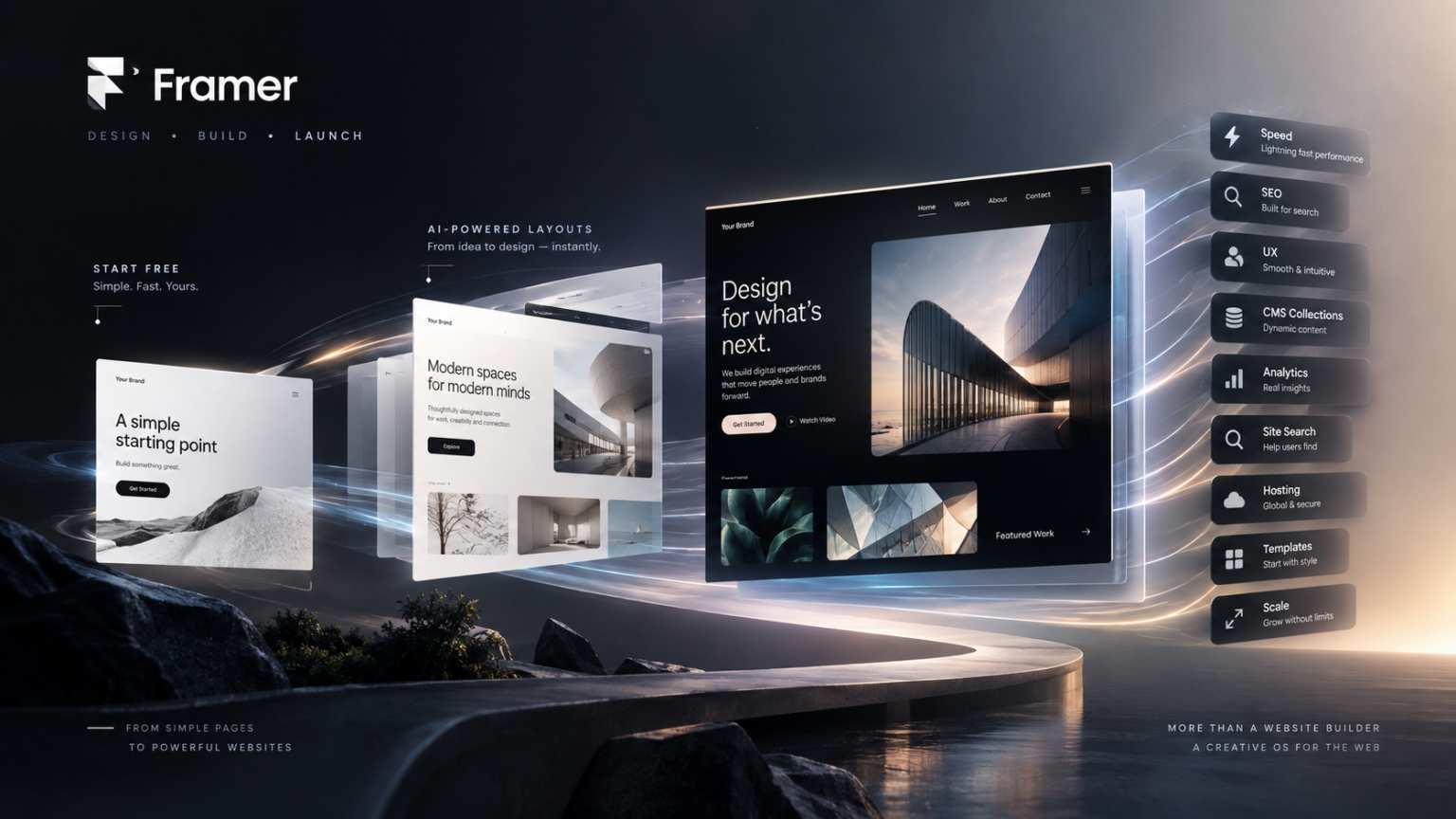
Framer has gained serious traction among the Webflow community of designers and developers because it is known for being exceptionally fast. Websites built with Framer are noticeably faster-loading, making speed one of its strongest selling points for SEO and user experience design, since site speed is one of the ranking factors considered by search engines.
Framer is still a newer platform and has more proving to do, but it is already developing a strong fanbase and reputation among Webflow users. Some designers and developers are switching to Framer, while others add it to their specialty so they can choose between Framer and Webflow depending on the project.
AI & Design
Framer includes a built-in AI tool and AI layout engine that can help you get up and running quickly. It generates layouts and provides a foundation that designers can customize instead of starting from a completely blank canvas.
Its learning curve is not as steep as Webflow, but Framer is still not as beginner-friendly as a typical drag-and-drop builder. It assumes users have some design literacy.
Features & Support
Like Showit, Framer is mainly a website publishing tool and does not offer many built-in extras. Third-party tools are needed for features such as ecommerce, scheduling, email marketing, and robust inquiry forms. Framer also does not provide 24/7 support. Available chat support is limited to paid plans.
The free-plan language can also be confusing. The pricing page does not list a free plan in its pricing table, but there are buttons telling users to start free. This makes it unclear whether a free plan exists and how useful it is for long-term use.
Pros
- Exceptionally fast website performance out of the box
- Design-focused interface that feels intuitive to designers and developers
- Built-in AI layout engine for a faster starting point
- Growing community of dedicated users and a template marketplace
- In-house analytics
- Multiple hosting options that can help with site speed
- Built-in site search
Cons
- Confusing free-plan language
- Not beginner-friendly
- CMS collections and the number of items within them are limited on all plans
- Bandwidth usage limits apply on all plans
- No built-in ecommerce, scheduling, or email marketing
- Additional features can require extra subscriptions
- No 24/7 support
- Chat support is available only on paid plans
- Custom domains require a paid plan
- Newer and less tested than major competitors
- Smaller design community and ecosystem than competitors
- Still maturing as a platform
- Less proven at scale than larger competitors
Best for
Framer is best for tech-savvy designers and developers who prioritize exceptionally fast site performance and want a design-focused editing experience with an intuitive interface for creating impressive marketing sites.
Pricing
Domains are currently free on any plan for the first year, but current terms should be checked. Paid plans start at around $10/month when billed annually, although costs can grow quickly as website functionality increases. Additional add-ons may be needed for features such as A/B testing, relational content management systems, additional users, and larger teams. Check Framer’s current pricing for the latest rates.
Webflow – Best for Designers & Developers That Understand Basic HTML & CSS
Webflow is technically a no-code website builder with drag-and-drop capability, but you need a foundational understanding of HTML and CSS to get the most from it. That knowledge gives designers developer-level control without requiring them to write code themselves, but it also makes Webflow unsuitable for most beginners.
I’ve used Webflow and taken a course on its finer points, making it the third-most familiar platform I’ve used over the last decade. Ultimately, I don’t find it a great fit for my ideal clients because the builds take longer.
My Experience
Webflow’s design and development capabilities are genuinely impressive. I like the concept and have spent time learning how to get the most from the platform. Its detailed, highly organized approach can be appealing if you enjoy tedious details and building complex things.
However, greater control also brings greater responsibility. There is more to watch out for, more risk of breaking something, and more time required to build from scratch. Webflow is not for everyone.
How Webflow Works
Webflow sits in an unusual middle ground. It provides much more design flexibility than traditional drag-and-drop editors, while remaining less complicated than coding from scratch. You can also preview changes while working.
The platform is intentionally aimed at designers and developers who already understand, or are willing to learn, foundational code languages such as HTML and CSS. Without that knowledge, the interface can become confusing and lead to a messy build.
Webflow essentially lets you build code visually by layering the correct elements in the correct order on the page, although you are not actually writing the code yourself. Understanding HTML and CSS helps because the interface uses terms such as div containers, classes, and style properties that correspond to the code behind the website. Without understanding these terms, it can be difficult to assemble the pieces into a functional website.
Legacy Editor & Client Experience
Webflow is retiring its legacy editor in August 2026, which means related workflows are changing. New users may want to wait until those changes settle before committing to a workflow.
There can also be confusion about what happens after a website is handed off to a client and how hosting and site management work for agencies or designers. The client-facing editor is drastically different from the developer’s editor, so this difference is important to understand before building sites for clients.
Pros
- Exceptional design flexibility and extensive creative control
- Visually engaging and interactive animations that many other builders cannot reproduce
- Powerful built-in CMS for complex, content-heavy websites
- No-code system using developer frameworks, building blocks, and systems
- Strong built-in SEO capabilities
- Active community of designers and developers
Cons
- Very steep learning curve
- Not beginner-friendly
- Requires a foundational understanding of HTML and CSS to get the most from the platform
- Confusing pricing with separate Workspace and website-hosting subscriptions
- Ecommerce adds another subscription cost
- Entry-level ecommerce plans also have transaction fees
- Legacy Editor is retiring in August 2026
- Existing users may need to adapt to new workflows
- No native scheduling, invoicing, or other common service-business tools
- Overkill for most small-business owners
- Support is not available 24/7
Best for
Webflow is not ideal for quick website launches or DIYers because builds take more time and require foundational knowledge of code languages. It is also overkill for simple websites. It is better suited to designers and developers who want advanced design control and are comfortable learning HTML and CSS.
Pricing
Webflow uses a dual billing system. You pay separately for your Workspace, which is your account’s design environment, and your website plan, which provides hosting for the website. These are two different subscriptions.
Website plans have a limited free option, while paid plans begin at around $14/month when billed annually. Workspace plans start free or cost around $16/month annually for freelancers and increase from there.
Ecommerce adds another subscription layer and transaction fees. Basic site plans are affordable, but many websites need a CMS for blogging, bringing the cost closer to competitors such as Squarespace. That is before adding the Workspace plan or other features such as ecommerce. Check current Webflow pricing carefully before choosing a plan.
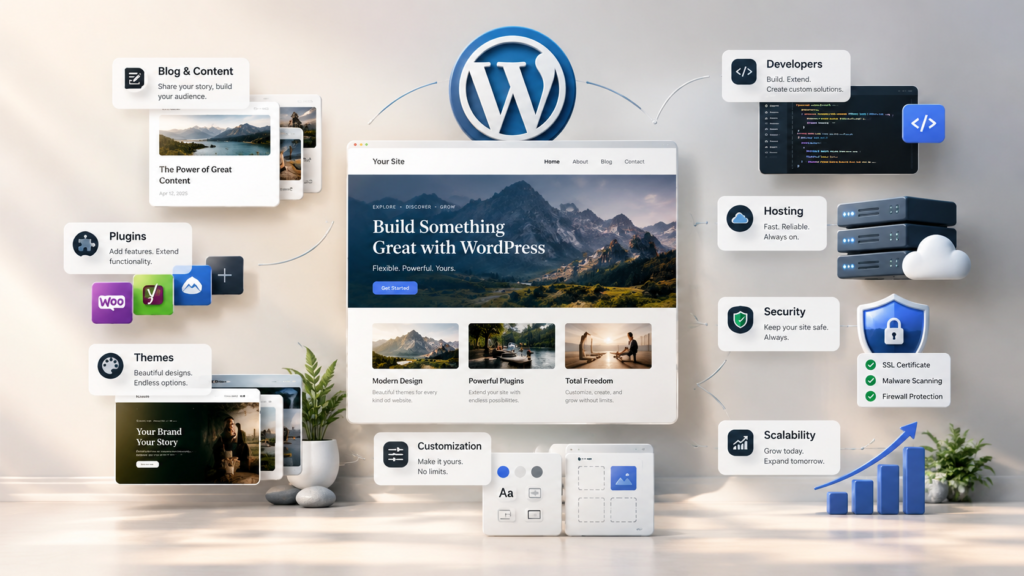
WordPress – Best for Serious Bloggers, Developers, and Maximum Flexibility
WordPress powers more websites than any other platform on this list, largely because its flexibility and extensibility are almost unmatched. It can support everything from a simple blog to a complex or enterprise website, but this power comes with a steep learning curve, ongoing maintenance, security responsibilities, and costs that can become higher than expected.
My Experience
I’ve tinkered with a few WordPress sites on the backend, mainly in settings, shop, and blog pages, and I’ve also migrated many clients away from WordPress to other platforms. I’ve generally stayed away from it because of the time, cost, maintenance, and complexity involved. Still, WordPress remains too important to leave out, powering about 43% of websites on the internet as of 2025, according to W3Techs.
The biggest thing to understand is that WordPress comes in two forms. WordPress.com is hosted and more beginner-friendly, with the platform handling maintenance, updates, security, backups, and plugins. WordPress.org is self-hosted: the software is free, but you must arrange hosting, domains, themes, templates, plugins, security, maintenance, bug fixes, and updates yourself.
How WordPress Works
WordPress.org offers tens of thousands of plugins for almost any website feature you can imagine. However, installing too many plugins can create conflicts and may cause the website to break or go down temporarily. Skipping plugin or theme updates can also create security vulnerabilities.
This extreme flexibility comes at a cost beyond subscription payments. You need to spend both money and time managing the individual parts of the website. For content creators, bloggers, and businesses that depend heavily on customized content and website features, that effort may be worthwhile.
Pros
- Powers about 43% of websites on the internet
- Virtually unlimited design and feature flexibility through plugins and themes
- Massive community and extensive documentation
- Best-in-class blogging and content management features
- WordPress.org software is free and self-hosted
- Scales from simple blogs to complex and enterprise websites
- Huge pool of developers available for support and custom work
Cons
- WordPress.com is hosted internally, which can confuse users
- WordPress.org requires separate third-party hosting, setup, and ongoing maintenance
- Finding, installing, and managing plugins can be overwhelming
- Too many plugins can create conflicts and break a website
- Security and technical updates are your responsibility with self-hosted WordPress.org
- Has one of the steepest learning curves among the platforms on this list
- Website design quality depends heavily on the theme and its developer
- Websites are not necessarily consistent or polished out of the box
- Total costs can become expensive after hosting, domains, security, plugins, themes, and other additions
- The WordPress community can feel more gate-kept and protective
Best for
WordPress is best for serious or full-time bloggers and content creators who produce a lot of content. It also works well for businesses that require highly customized website features, developers, and tech-savvy users who want maximum flexibility and are prepared to invest the time or money needed to manage the platform properly.
Pricing
WordPress.org software is free, but you pay separately for necessities such as hosting, domains, security, plugins, themes, and maintenance, so the total cost can increase quickly. WordPress.com is more affordable to start, with plans around $4/month when billed annually, and includes these services within the plan. Pricing and included features can change, so check the current WordPress.org and WordPress.com plans before choosing.
Need Help Choosing the Right Website Platform?
Choosing the best website builder in New York depends on your business goals, budget, technical skills, SEO needs, design preferences, and plans for future growth. Each platform has its own strengths, from simple website creation and ecommerce to advanced design control, blogging, and customization.
At Sundas Marketing Agency, we help businesses build websites that support their goals, SEO, performance, design, and long-term growth. Instead of simply choosing the most popular platform, we focus on finding the right website solution for each business and its specific needs.


7 Best Website Builders in New York: WordPress—Best for Bloggers, Developers, and Maximum Flexibility
Read More »