
3 Cheap SEO Tools: What I Actually Think About Each One
My Experience With Cheap SEO Tools
I’ve been using Ubersuggest since I started working full-time on my business in 2019. Over the past few months, my experience with this SEO software has changed. Honestly, I just can’t stand it as much as I used to. 😅
So, I decided to be a silly goose and try three different tools for keyword research. I wanted to compare them based on price, accuracy, and my overall experience using each tool. My goal was to find my new favorite among the cheapest SEO tools without spending too much money.
- Tool selection: I focused on affordable SEO tools that could help with keyword research while keeping my budget in check. 💸
- My review: This is a quick TLDR of my personal experience and what I learned while testing these tools.
What Makes a Keyword Research Tool Useful?
A keyword research tool helps you figure out which topics are worth creating content for based on what people are already searching for. These tools give you a ton of data, but I mainly care about three metrics: Monthly Search Volume, Ranking Difficulty Score, and Intent. Here’s how I use them to decide whether a keyword is worth my time. 🔍
Table of Contents
Monthly Search Volume and Ranking Difficulty Score
Monthly Search Volume tells me how many people search for a keyword every month, such as “how to use SEO on Instagram.” If the search volume is under 100, I usually don’t think it’s worth creating content around. Ranking Difficulty Score helps me see how difficult it is to rank for a keyword. My rule of thumb is to stick with a score under 50, usually shown in green or yellow. Anything higher is more competitive and can make ranking harder.
Intent
Intent tells me what people want when they search. If a keyword is informational, I use it for a blog or TikTok video. If it’s commercial or transactional, I focus on my money pages. 💡
Ubersuggest
I also pay attention to the data behind the tool. If an SEO tool uses a Google API (Application Programming Interface), it can pull real-time keyword data such as search volume and CPC from Google Ads. That gives me a little more confidence that I’m not just looking at random numbers.
Keysearch
Keysearch helps me analyze keywords, check search volume, and understand ranking difficulty and search intent before creating content.
Which Keyword Tool Is the Most Accurate?
How Accurate Is Each Tool?
Honestly, it is hard to gauge which tool is the most accurate because every keyword research tool can show different data. None can tell you that its numbers are perfect.
- 1: First, focus on accuracy and consistency instead of expecting one tool to always be right. A comparison can help you understand how the results change.
- 2: Second, if you use 3 tools at once, you may end up confused. Seriously, stick with one tool and learn it properly instead of turning your SEO work into coo-coo Coco Puffs madness. 😅
And if anyone says a tool is always perfect, they might be a-lyin’ like a little lion. 🦁 You’re welcome to test the numbers yourself, but I would rather choose one reliable tool and use its data consistently for my keyword decisions.
How I Grade Each Tool
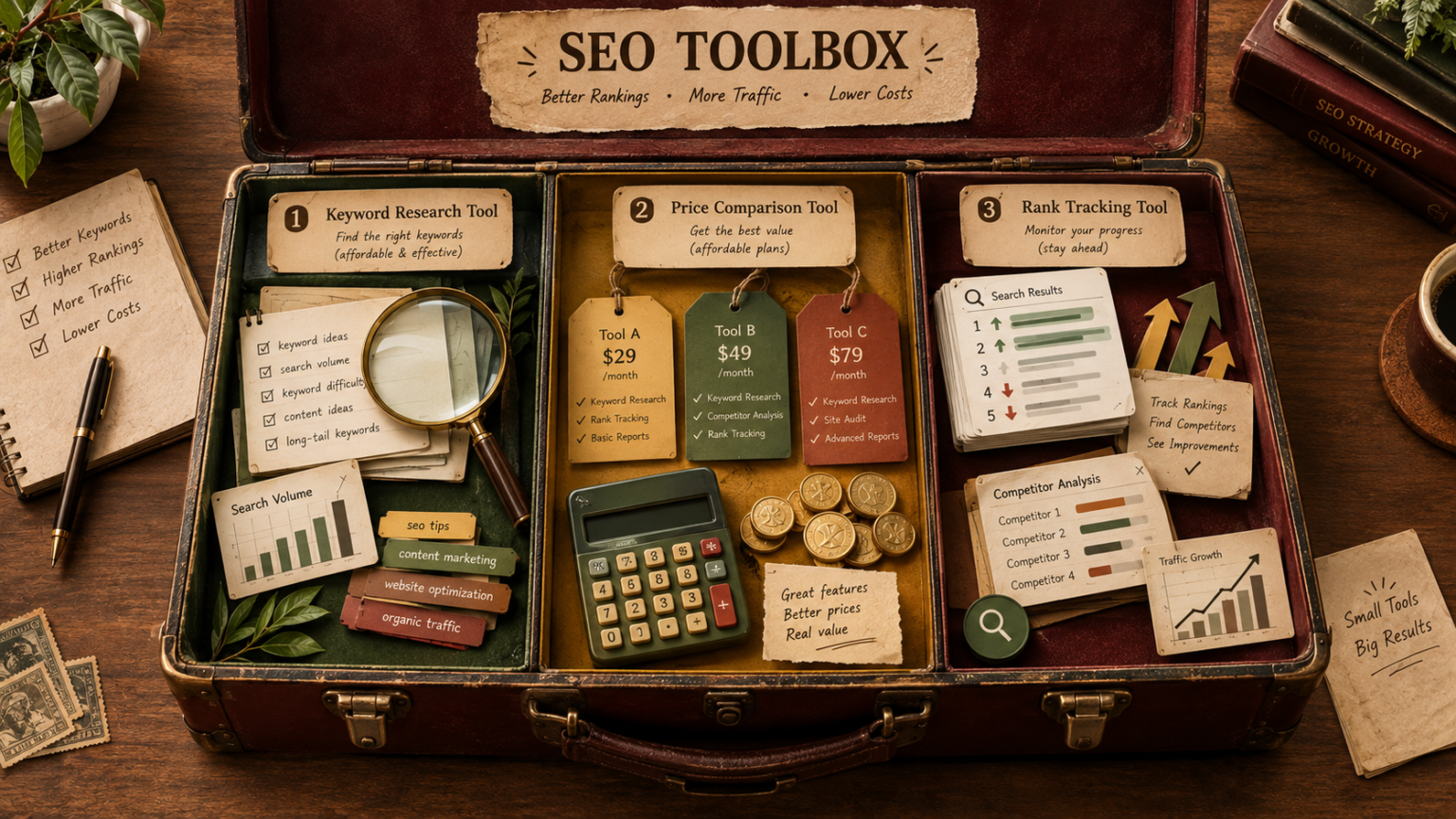
I’m pretty picky about spending money on SEO tools, so I do plenty of research before making a decision. My grading scale is based on 3 things that are non-negotiable for me:
- 1: Is the tool tied to Google’s API? I want an API, or Application Programming Interface, that can legally pull real-time keyword data. This includes useful numbers like search volume and CPC from Google Ads, rather than relying on guesswork.
- 2: Is it easy to use? If I need a manual just to understand the tool, I’m out. I look for clean dashboards, clear features, and a near-zero learning curve. 😅
- 3: Is it worth the price? Paying $129/month for a subscription doesn’t automatically mean you’ll get better SEO data. Unless SEO is your living or your job, I want tools that can do the job without punching my wallet in the face. 💸
Ubersuggest
As an SEO Copywriter, Ubersuggest was the first SEO tool I tried when I started my business. At the time, it was one of the cheapest options I could find, and the price of $17 per month made it an easy choice. After using it for my clients, I was able to get useful results, so it quickly became a favorite.
What I Like
- 1: The user experience is probably my favorite part. The dashboard is clean, simple, and one of the easiest to use. The Keyword Lists and Traffic Overall sections are easy to understand, even if you are new to keyword research.
- 2: Ubersuggest uses Google’s API and pulls data from Google Ads Keyword Planner through the official API. That gives me more confidence when checking keyword information instead of relying only on estimates.
- 3: The Email Updates are surprisingly useful. Every month, I get updates about keywords that are ranking higher or have decreased rankings. Honestly, these are still some of my favorite emails to open. 😄
- 4: I still use the Site Audit feature for SEO audits. It gives me useful information about a website and helps me check areas that need attention.
- 5: Keyword Ideas is another feature I like. It gives hundreds of keyword variations, along with questions, comparisons, and related keywords. This made keyword clustering much easier for me and helped me find terms that were easier to rank for.
- 6: I also use Traffic Estimation when doing analysis on competitors and popular brands. I check this almost daily, especially when researching website performance.
- 7: Answer The Public is also part of the Ubersuggest platform. Since it was acquired and included in the platform, Ubersuggest feels quite holistic to me. It is also free as a separate concept, which makes the addition useful.
What I Don’t Like
The biggest issue for me is the data. Ubersuggest used to be much more reliable in my experience, but the latest ranking data can sometimes feel off. Every keyword research tool gives a ranking difficulty score, where a score closer to 0 is generally easier. The problem is that the tool asks me to update the data every week, and I only get 200 credits for those updates.
For ONE client, I can use those credits surprisingly quickly during a keyword research session. The difficulty scores also seem to be over 50 much more often now, even when a keyword looks relatively easy to rank for. Sometimes the number stays green, but the actual competition does not feel as simple as the score suggests.
I also tried the AI Writer, but as a Copywriter, I personally don’t use AI to write my content. So, that feature isn’t really important to me. 😅
Keysearch
As an SEO gal pal and website copywriter, I’ve tried quite a few keyword tools, and Keysearch is one of them. It works as a primary keyword research tool for many people I know. My friend Brittany actually trusts Keysearch data more than Ubersuggest, while I’ve usually felt the opposite. I guess it really comes down to different strokes for different folks. 😅
What I Like
The price is definitely one of the first things I like. Keysearch costs just $17 per month, which feels reasonable when you’re starting out with SEO.
It is also easy to use and fairly intuitive. The layout doesn’t make keyword research feel like you need a manual beside you. You can quickly check a keyword and see how difficult it might be to rank for ANY keyword.
For example, Keysearch says blue light glasses gets around 30K monthly searches with a ranking difficulty score of 30/100. Since under 50 is usually considered easier, that looks SUPER easy and honestly quite encouraging. Ubersuggest, however, gives the same keyword an 81/100 score. That’s a pretty big difference.
I also like the Deep Dive feature. It lets me search up to 50 keywords at once, which is handy when I’m checking competitors and collecting ideas. Yes, sometimes I’m basically stealing keywords from competitors. 😂
Another selling point for me is SEO for Social + Etsy. I can compare keyword data across Google, TikTok, Pinterest, and Etsy. For example, I can check whether “SEO tools” gets more searches on Pinterest, TikTok, or Google.
Rank Tracking is another useful feature. With Ubersuggest, I have to personally select the keywords I want to track, and I can only pick 200 keywords. Keysearch, on the other hand, shows me what I’m ranking for and where.
That said, I’ve been using Keysearch for less than 6 months, and I haven’t explored every feature yet. So I’m still getting familiar with some parts of it.
What I Don’t Like
One thing I couldn’t confirm is whether Keysearch uses Google’s API. I couldn’t find publicly available documentation or a credible source showing that it connects directly to Google’s API.
The data is another mixed bag. I like having plenty of keyword data available, but I don’t always find it accurate. For example, seeing 30,000 monthly searches with an SEO difficulty score of 31 out of 100 makes the keyword look SUPER easy, which doesn’t always feel realistic.
I also compare monthly search volume and ranking difficulty score between Ubersuggest, Keysearch, and Semrush. Ubersuggest and Semrush are usually pretty similar, while Keysearch can be waaaay different.
Keyword Lists are important to me because I save thousands of keywords for myself and my clients. I want those keywords to be easy to find, easily accessible, and simple to add. Unfortunately, Keysearch’s keyword lists can be frustrating to use.
The Deep Dive feature can also become annoying. If I search 50 keywords and then want to work on another client’s keywords, I have to delete all the keywords from my previous deep dive before starting again. Doing that repeatedly gets old very quickly. 😅
SEMRush
SEMRush, also written as SemRush, is an SEO tool for search engine optimization, keyword research, SEO analytics, search traffic, and competitor research. It is not a cheap SEO tool, but it has a FREE option that can be useful for checking SEO data before paying. I have used SEMRush alongside Ubersuggest, Ahrefs, and Keysearch to double-check data and compare different SEO tools.
What I Like
One thing I like about SEMRush is its accuracy and the amount of detailed information it provides. Many SEOers use it as an indicator when checking whether other SEO tools are showing accurate data. From my experience, SEMRush data and Ubersuggest data can sometimes be similar, while Keysearch data may be more different. This makes SEMRush useful for SEO tool comparison and data comparison.
I have been an Ubersuggest fan for 5 years, so I do not automatically assume SEMRush is always right. I prefer checking the data from more than one source. For example, SEMRush once showed 8K monthly traffic for a client, while Google Search Console showed 15K. I also saw Ubersuggest show 10K visits per month for a photographer client, while the Google Search Console data showed under 1K. That experience showed me that traffic data and monthly traffic from SEO platforms can differ from actual search engine data.
The keyword research features are another strong point. SEMRush provides detailed keyword suggestions, keyword data, the type of keyword, SERPs, and search results. This information can help you decide whether a keyword is useful for content and content creation. Its keyword data comparison can also be useful when checking search traffic and comparing results from Ubersuggest, Ahrefs, and Keysearch.
The dashboard is easy to use once you understand it. It may not be as aesthetically pleasing as some other platforms, but it provides a lot of information in one place. For SEOers, this can save time when working on keyword research and SEO analytics. For non-SEOers, however, the amount of information can look a little overwhelming at first. 😄
What I Don't Like
The biggest problem for me is the price and cost. SEMRush can cost over $100/month or $1K+ annually, so the monthly pricing and annual pricing are important to consider before paying. The price may feel high if you only need basic SEO data, but for people who need detailed keyword research and SEO analytics, it may be worth the price.
Another thing to understand is that SEMRush does not use Google’s API for all of its data. The SEMrush API is different from the Google API and Google Keyword Planner API. SEMRush uses its own proprietary data sources and proprietary methods to provide SEO data, keyword data, traffic data, and other information.
This is why SEMRush data can be different from Google Search Console data, Ubersuggest data, or data from another SEO tool. The Google Keyword Planner API and keyword planner provide their own data, while SEMRush has its own system for collecting and estimating information.
The platform can also be overwhelming. When I first started using it, I found the amount of information difficult to understand. There are keyword suggestions, SERPs, search results, SEO analytics, traffic data, and many other reports to learn. But like any tool, you get used to it with experience.
If I were using a simple grading scale based on three non-negotiables, SEMRush might not fit all three at first because of its price, complexity, and data differences. Still, the more I use it, the more I understand why it is recommended as one of the top recommended SEO tools. The combination of accuracy, detailed keyword research, search traffic information, and SEO data can make the platform worth the price for regular SEO work. 😅
The main thing is to use SEMRush as part of a broader SEO process rather than treating every number as absolute reality. Comparing SEMRush with Google Search Console, Ubersuggest, Ahrefs, and Keysearch can give you a more useful picture of your website’s performance.